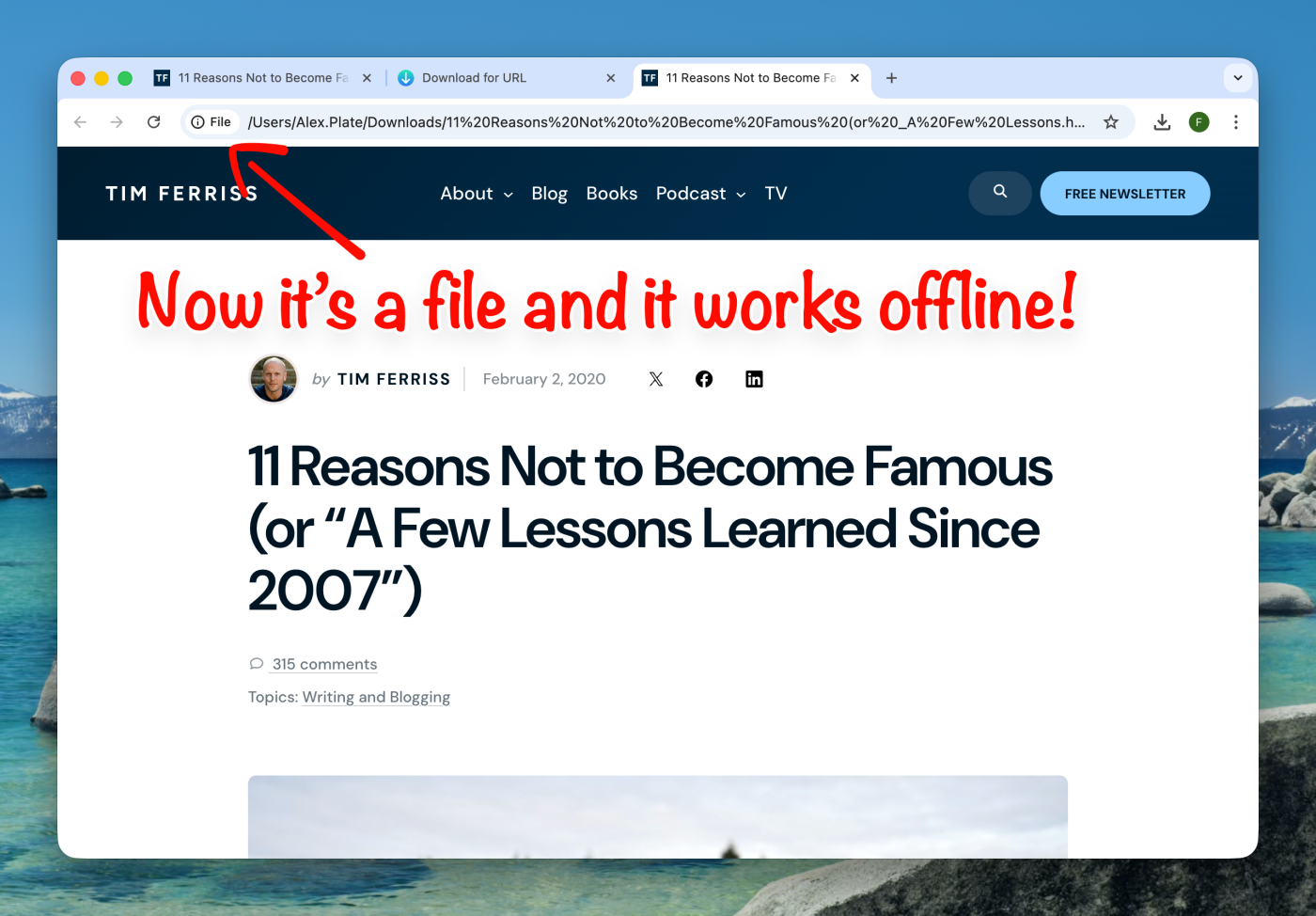
Save Article using URL Download
Have you ever come across an article that was extremely interesting or helpful? I see a lot of great content on the internet, but there’s one simple thing that always bothers me: what if the article gets removed, or I simply lose track of it?
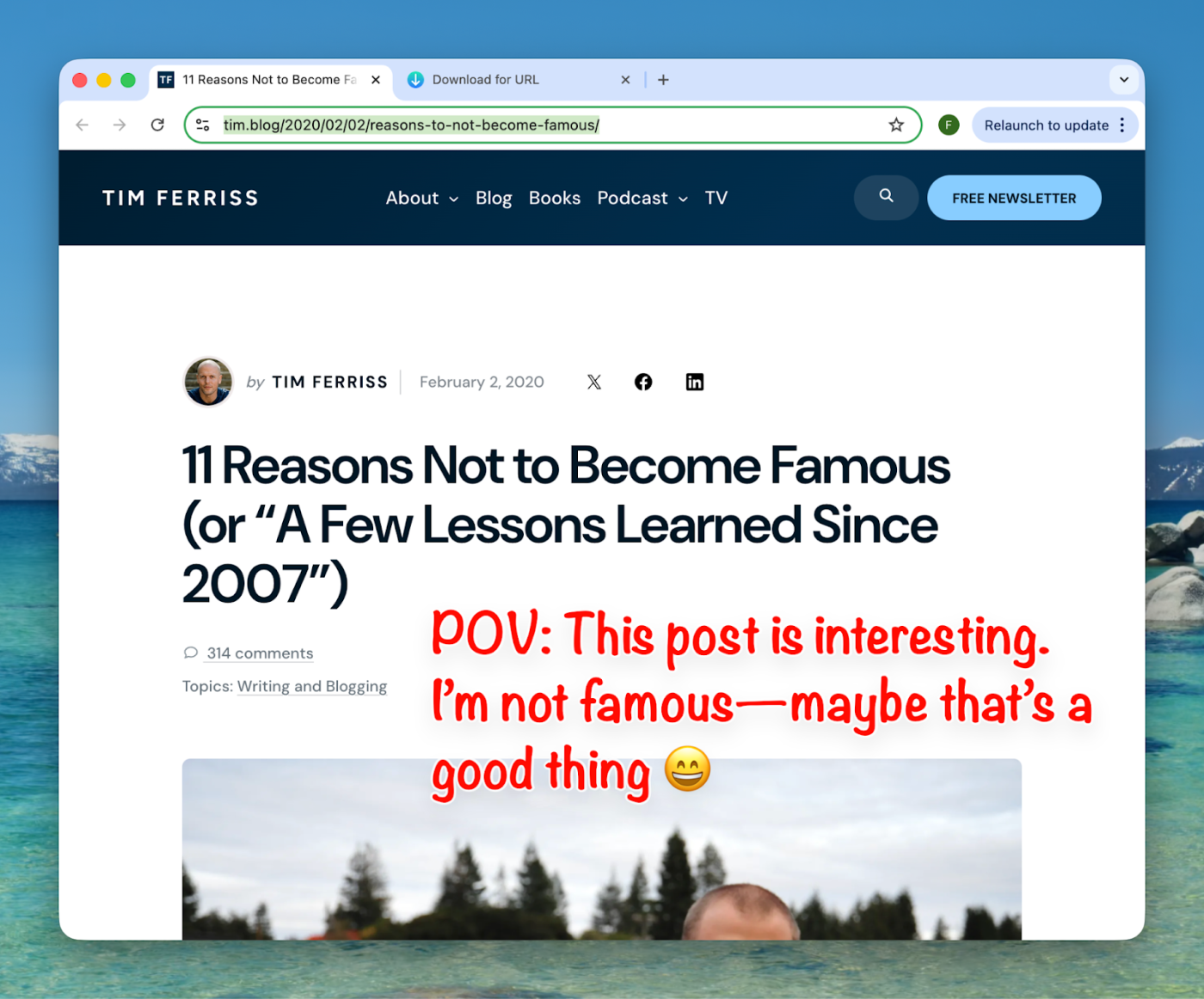
I read a lot of interesting blogs on the internet:
- Life hacks on Substack
- Work-related improvements on Medium
- Family-empowering blogs all over the internet
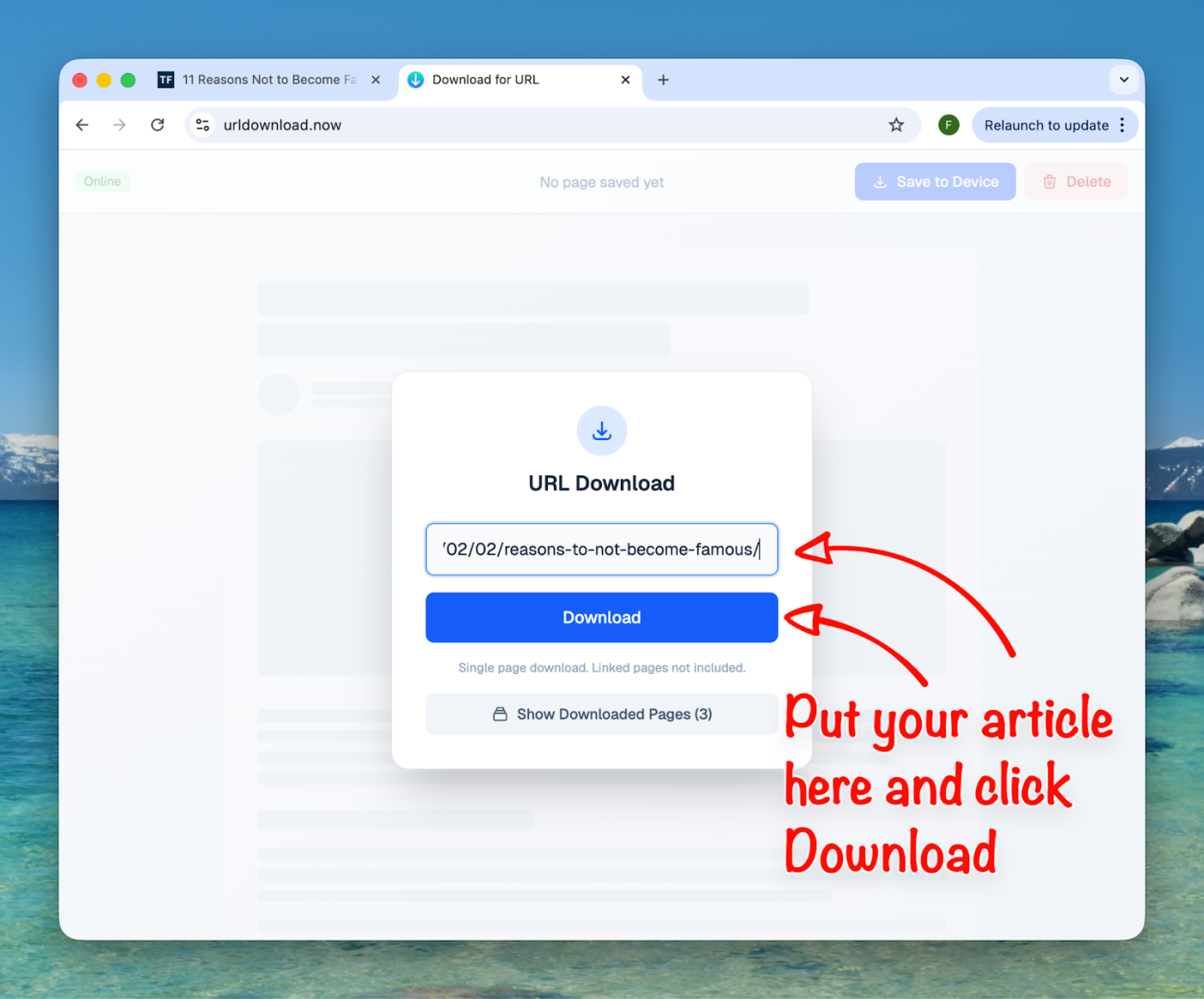
Unfortunately, I never know what will happen to them after a year or more. So, I found a solution by simply saving those precious pieces of internet knowledge. Later—anytime and anywhere—I can come back to them and re-read them in any situation and in exactly the same state as they were at the moment of publication.
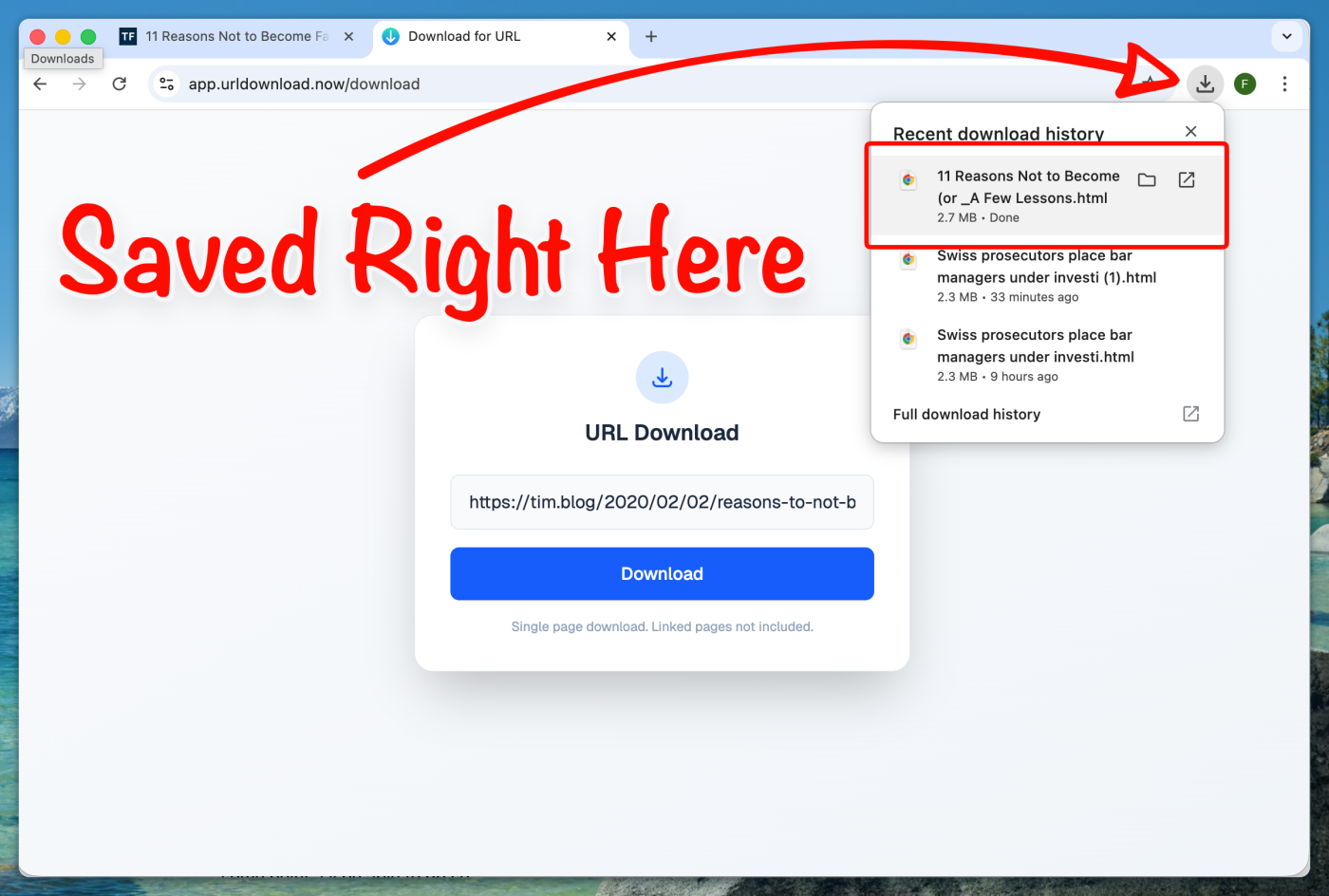
I personally use this approach to keep my offline library. It looks like this:
- I find a nice article.
- I read it, and if I like it,
- I save it.
It’s okay if I never get back to it again, but I’m sure that if I need to re-read it at some point, I’ll be able to do so.
So, I ended up bookmarking urldownload.now and coming back to it when I need it. It just works!
Are those downloaded pages available offline?
Yes!! You just get a plain HTML file, and you can save it anywhere. Later, without the internet, you open it and get it in the same state as it was before.