
When Home Has No Internet: Download It with URL Download
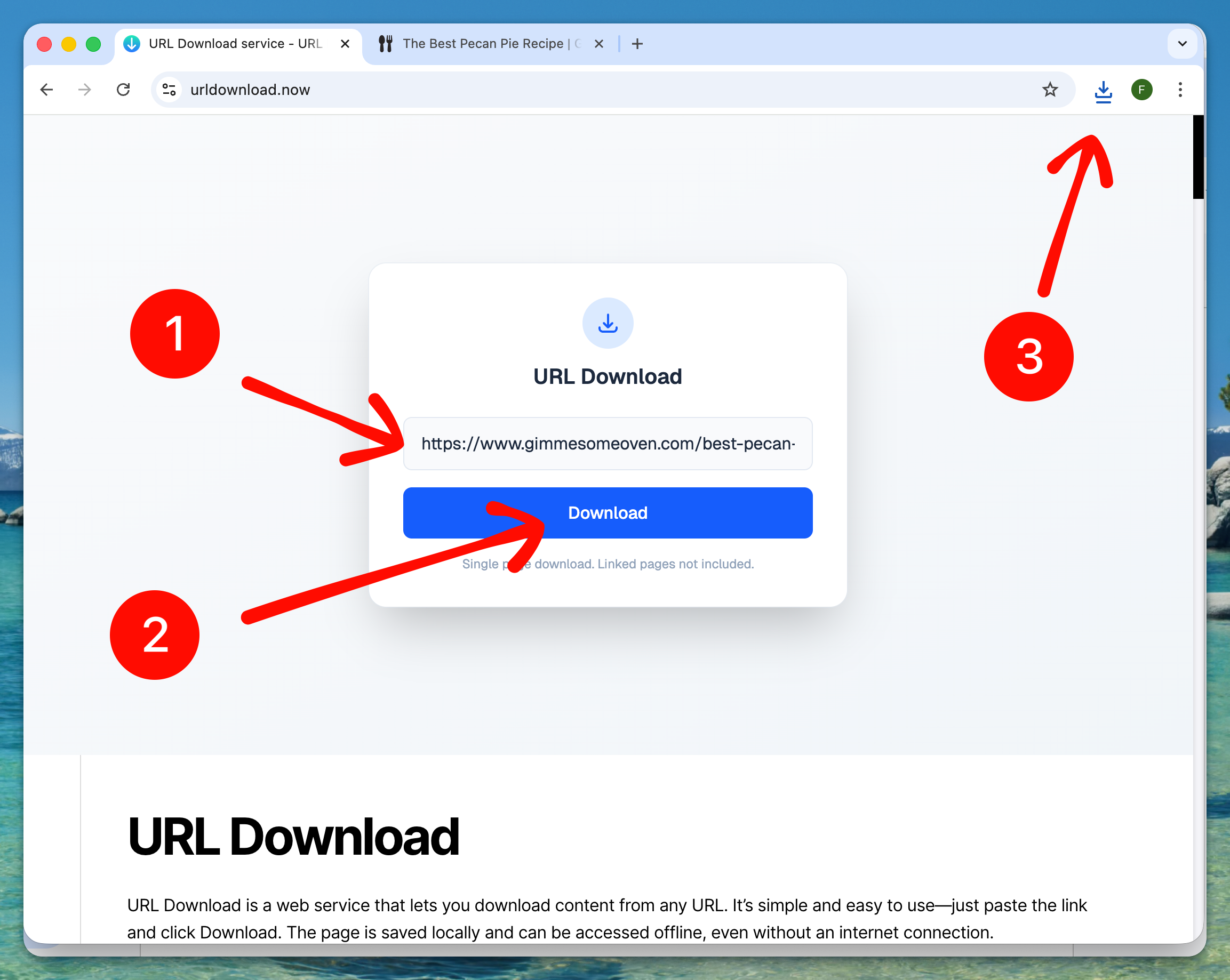
If you don’t have internet access at home, you can use a public library or an internet café to find useful information online. However, you still need a way to bring that information home. In this case, URL Download can be a great solution for easily saving a helpful article or a new recipe. You can download the information in just a few simple steps:
- Paste the URL into the URL Download website
- Click the “Download” button
- Wait until the download finishes
- Open the downloaded file and copy it to your storage device, such as a USB stick
Download What You Need
The website helps you download many types of content, including:
- Study materials
- New recipes
- Newspapers
- Books or online stories
- Blog posts
The only limitation URL Download places on downloads is videos. Video downloading is not supported, as it often leads to copyright issues.
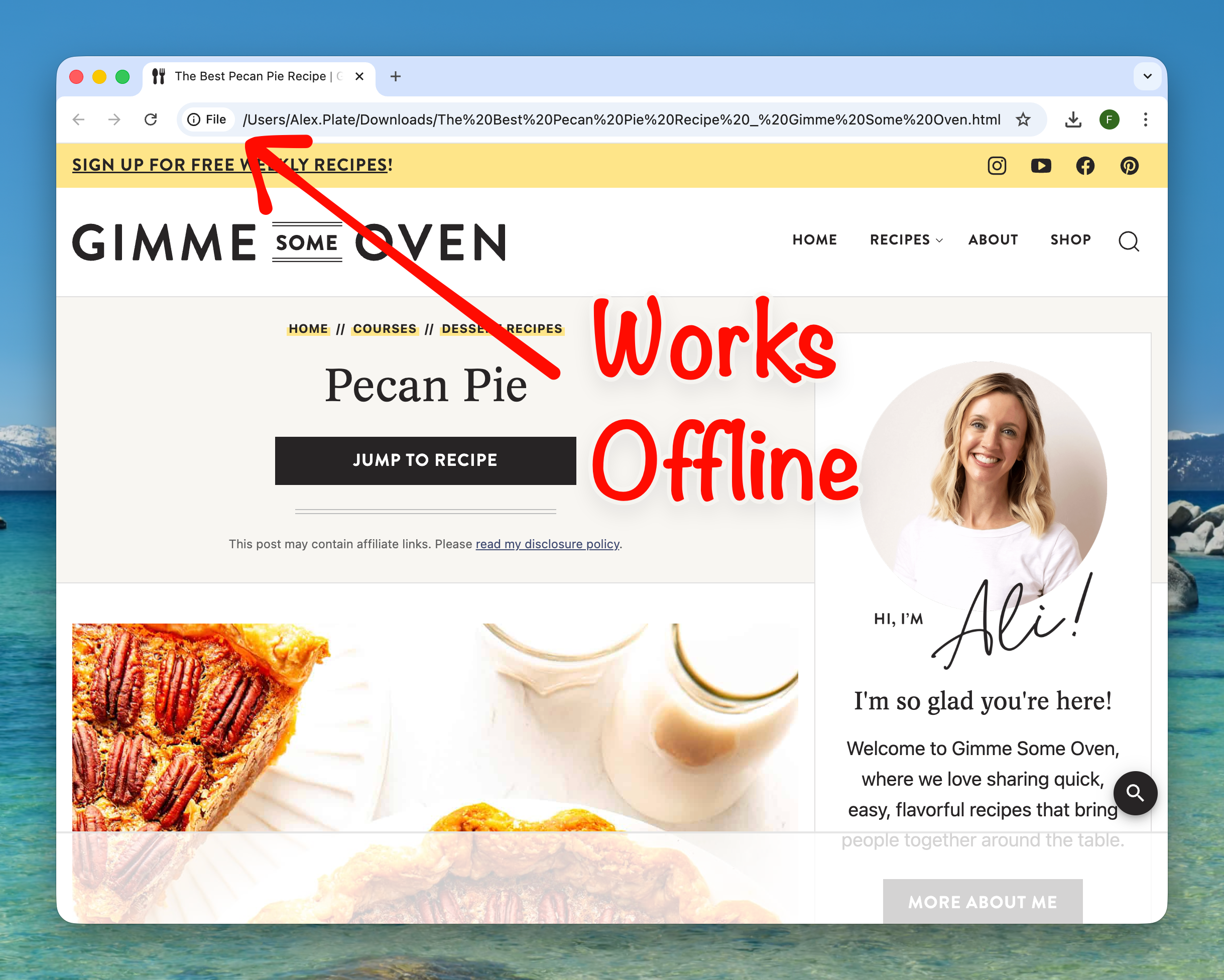
The downloaded pages are simple and self-contained. They are saved as a single file that can be used later without an internet connection. The file can be shared with others or used at home without internet access.
Free of Charge
The service is completely free and does not charge for downloading websites. There is also no limit on the number of sites you can download.