
Wayback Machine Downloader
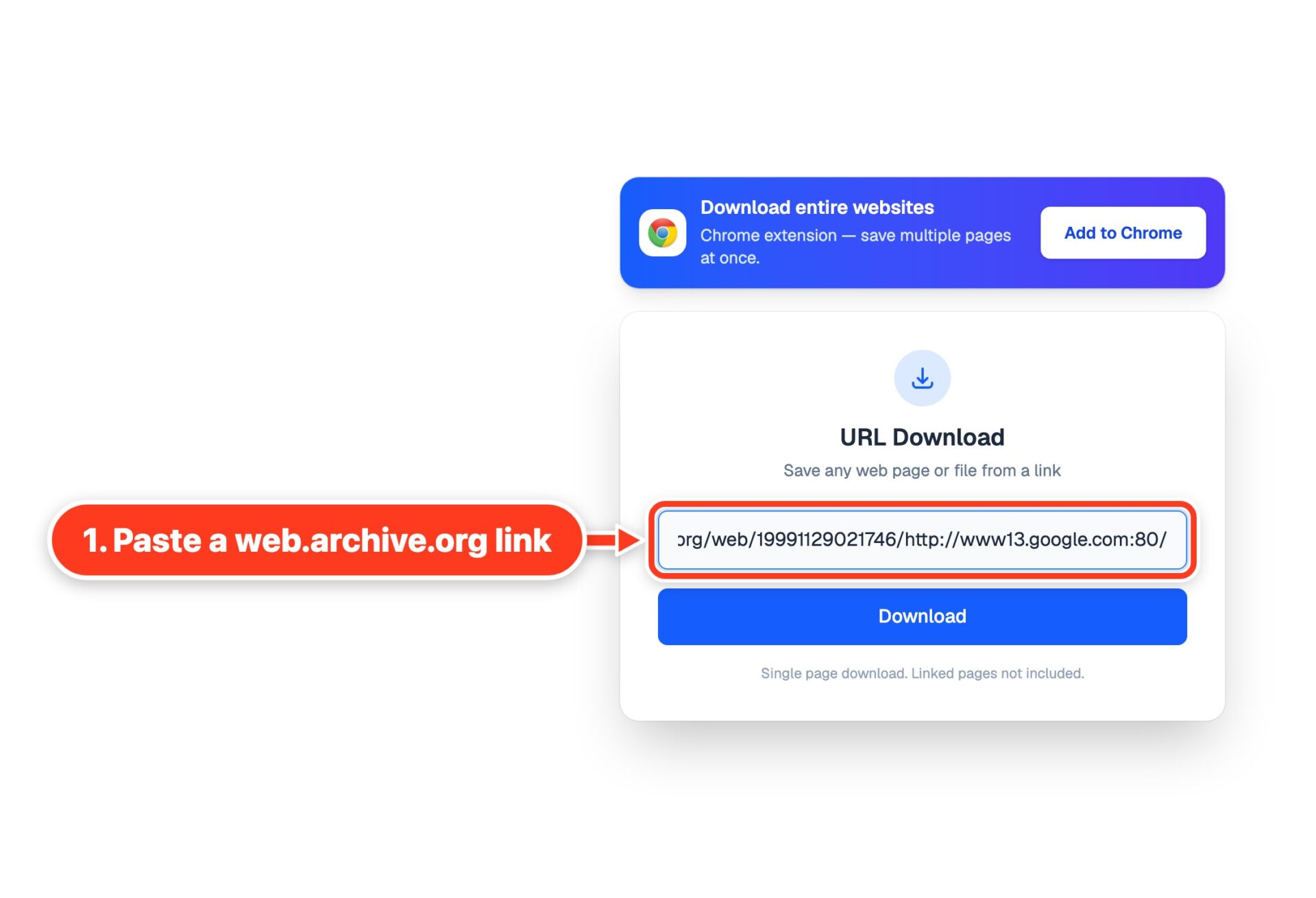
Paste a link to a page in the Wayback Machine and download it the way it was archived. You get the original HTML with its images, styles and scripts from the same capture, in one file you can open offline. No archive toolbar, nothing to install.
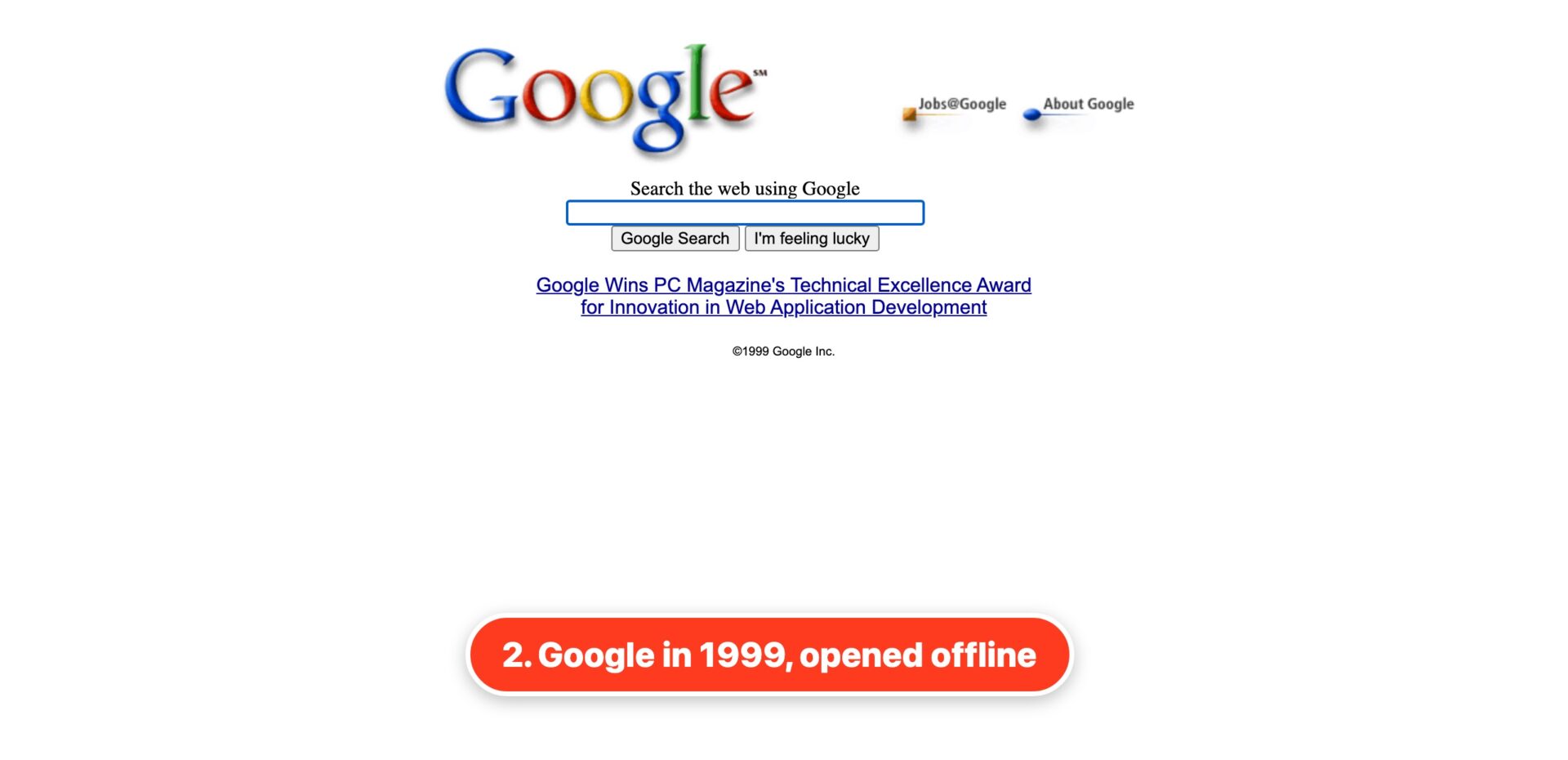
The saved file opens in any browser, even without internet:
Which links work?
Any link to a capture on web.archive.org:
web.archive.org/web/20150315000000/https://example.com/— one exact captureweb.archive.org/web/2015/https://example.com/— the capture closest to that date- a link copied from the address bar while you browse the archive
Search and calendar links with * in them do not point to one capture. Open the calendar, pick a date and copy the link of the page that opens.
What do I get?
One page, the way the Wayback Machine stored it:
- the original HTML, without the archive’s toolbar and rewritten scripts
- images and styles from the same capture, saved into the file
- links that lead to the same capture in the archive, not to today’s site
Can I download a whole archived site?
Not here: this tool saves one page at a time. To get every captured page of a site, you need a command-line tool that goes through all of its captures.
Why does it take so long sometimes?
The Internet Archive is slow at busy times. It also limits how fast anyone can download from it. A page with many images can take a minute. If you see that the Wayback Machine is busy, wait a few minutes and try again.
Is it free?
Yes. No sign-up, no limits, no ads. We don’t keep the pages you download.
Other tools
To save a page from the live web, use URL Download. For all the pictures of a page, use the website image downloader.
Is this allowed?
The Internet Archive opens its collections for research and scholarship. The archived pages still belong to their authors. Use what you download for research, for reference or to recover your own site. Don’t republish someone else’s work.